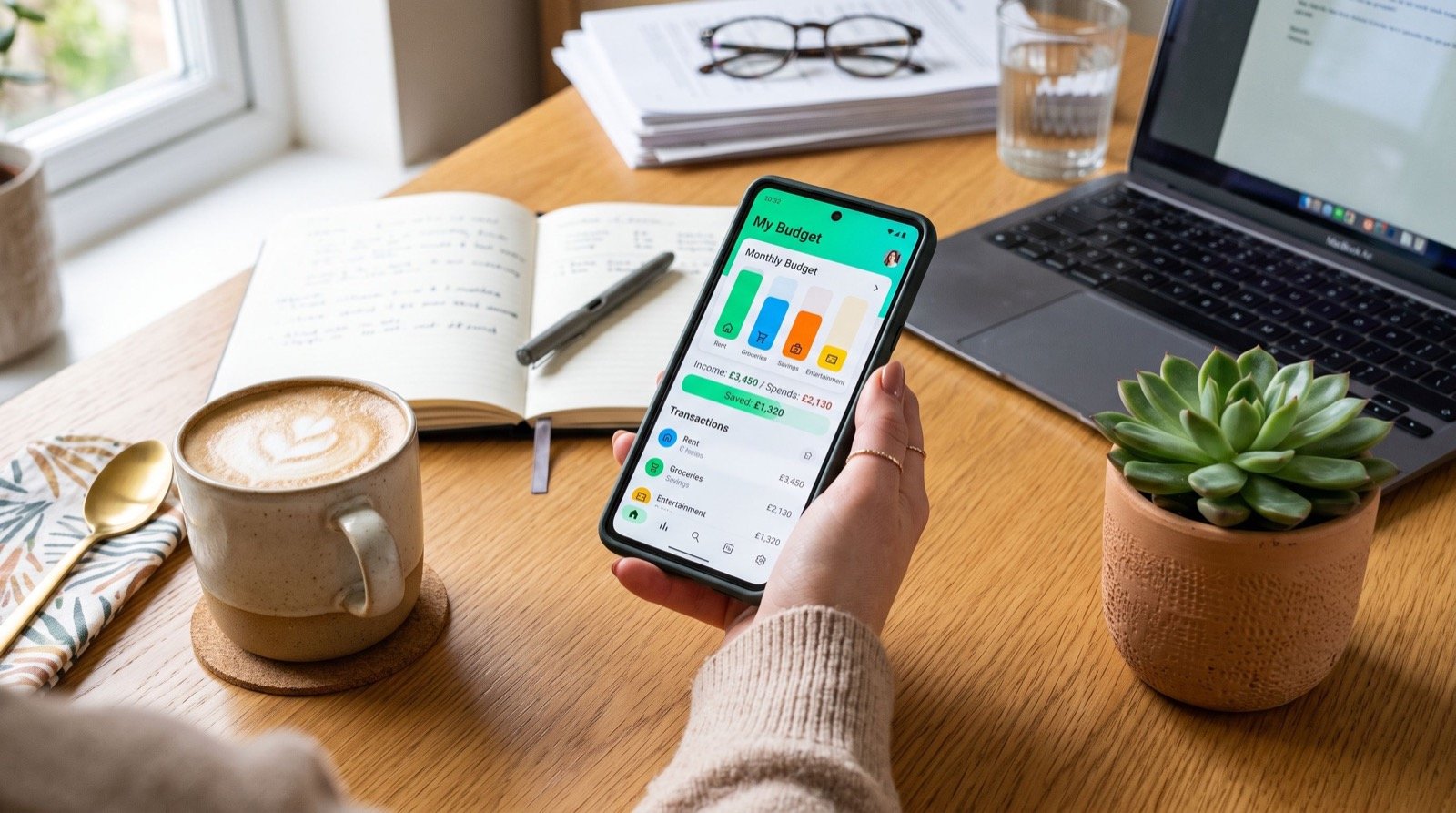
Best Money Apps 2026: How to Pick Without Regret
Searching for the best money apps usually ends in a list of ten logos and no clear decision. A smarter method is to match an app to your habits first, then compare features second.
This guide gives you a five-point scoring test, a side-by-side table and a trial plan. By the end you will know how to choose among the many money apps available in 2026 without paying for features you will never touch.
If you would like a second opinion while you read, this directory of money apps is a handy place to cross-check features and fees.
Start With the Problem You Actually Have
Different apps solve different problems. Before opening an app store, write down your single biggest money frustration in one sentence.
- “I never know where my pay goes.”
- “I forget bills and pay late fees.”
- “I want to send money to friends and family cheaply.”
- “I cannot stick to a savings target.”
Your sentence points to a category. Everything else is decoration.
The Five-Point Test for Any Money App
Score each candidate from one to five on these criteria. Anything under 18 total is not worth installing.
- Security: two-factor sign-in, biometric lock and clear fraud policies.
- Cost: transparent fees, with no surprise charges for basic actions.
- Ease: can you complete the main task in under a minute?
- Fit: does it work with your country, bank and currency?
- Support: is there a real way to reach help when something goes wrong?
Why security is first
A free app that exposes your accounts is the most expensive choice you can make. Look for regulated providers, and read what happens if an unauthorised payment occurs.
Why fit gets overlooked
Many popular apps work only in specific countries. A brilliant US-only app is useless to a user elsewhere, so confirm availability before you get attached.
Which Are the Best Money Apps by Category?
Rather than crowning one winner, compare by job. The table below describes the main categories, with typical strengths and cautions.
| Category | Strength | Caution | Ideal user |
|---|---|---|---|
| Budget tracker | Clear spending visibility | Needs weekly attention | Overspenders |
| Peer-to-peer payments | Fast, simple transfers | Scam exposure | Friends, flatmates, freelancers |
| Digital bank | Low fees, instant alerts | Limited branch support | Mobile-first users |
| Savings and goals | Automated deposits | Modest returns | New savers |
| Bill manager | Never miss a due date | Permissions needed | Busy households |
If you want a broader ranked overview, this guide to the best money apps compares popular options in more detail, which you can use alongside the test above.
Hidden Costs to Watch For
Free rarely means free forever. These are the costs that catch people out.
- Instant transfer fees charged as a percentage of the amount.
- Premium tiers that lock basic reports behind a subscription.
- Foreign exchange margins on international transfers.
- Free trials that renew automatically.
An original tip from experience: set a calendar reminder two days before any free trial ends. It takes ten seconds and has saved me from several unwanted renewals.
Privacy and Data: What Are You Handing Over?
Money apps often request access to bank data, contacts and location. Grant only what the feature genuinely needs.
The Consumer Financial Protection Bureau offers consumer guidance on sharing financial data and on what to do if something goes wrong. Spend a few minutes reading it before you link your main bank account to any new service.
Quick privacy checks
- Read how the provider says it uses and shares your data.
- Decline contact access if you do not need friend features.
- Use a separate email address for financial apps.
Example: Choosing for Three Different People
Real choices make the test easier to understand. Here are three short scenarios.
The student
Income is small and irregular. The priority is a free tracker with clear weekly limits, plus a basic savings goal. Premium features can wait.
The young professional
Regular salary, several subscriptions and some friends to split costs with. A payments app plus automatic savings transfers will deliver most of the value. Security settings matter because balances are higher.
The small shop owner
Receives payments from customers daily and needs clear records. A business-friendly payments app, a bill manager and a separate savings pot for taxes make sense. Support quality is a bigger factor here than for the other two.
Notice that none of them needs the same stack. That is why a single universal ranking can mislead you.
A 30-Day Trial Plan
Do not commit to a tool because of a nice interface. Test it for a month using this plan.
- Week 1: set up, link accounts and enable all security options.
- Week 2: use the app for every relevant transaction.
- Week 3: review reports and check they match your bank statement.
- Week 4: decide to keep, replace or delete.
If you do not open it voluntarily by week three, delete it. A good tool earns its place on your home screen.
Combining Apps Without Creating Chaos
Most people do best with a small stack: one bank, one tracker and one payments app. More than that usually means overlap and neglected notifications.
Small business owners often need extra setup help for invoicing and payment records. Working with dependable specialists can make sure your tools are configured sensibly from the start.
Whatever stack you choose, review it every six months. Apps change fees and features regularly, and the best option in January may not be best by July.
Frequently Asked Questions
What is the best money app for beginners?
A simple expense tracker paired with your existing bank app is usually enough. Add more only when a clear need appears.
Are money apps safe to use?
Reputable providers use encryption and monitoring, but your habits matter too. Use strong unique passwords, two-factor authentication and verify every recipient before sending.
Can I use more than one money app?
Yes, provided each has a distinct job. Two or three well-chosen apps are easier to manage than six overlapping ones.
Do I need to pay for premium features?
Rarely at the start. Use the free version for a month and upgrade only if a locked feature solves a specific problem.
Conclusion
The best money apps are not the most downloaded ones. They are the ones that fit your problem, protect your data and earn regular use. Apply the five-point test, run a 30-day trial and keep your stack small to make 2026 your most organised financial year yet.